
01 · Start with a plan
An alarm with a clear next step
Choose your alarm time, repeat schedule, sound and wake-up mission. Prepare for work, class or an early workout with a morning plan that fits your day.
Make the decision while you are fully awake. When morning arrives, your first task is already chosen: move your body, focus your mind or find a reason to leave the bed.
02 · Choose your friction
Movement, math, photos, speech and AR
A difficult morning does not always need another sound. Sometimes it needs movement; sometimes it needs focus or a reason to leave the room. VeriWake lets each alarm use its own challenge, from push-ups, squats and pose matching to math, object finding, a photo of the sky, speech, prayer or an affirmation. VeriWake Pro unlocks 4 missions: Push-Ups, Squats, Solve Math Problems and Wake Pose. Choose a weekly or yearly subscription; both include the same Pro missions.
Alarms, all alarm sounds, schedules, settings, wake-up history and 8 missions are free. You can finish setup and use VeriWake without a subscription.
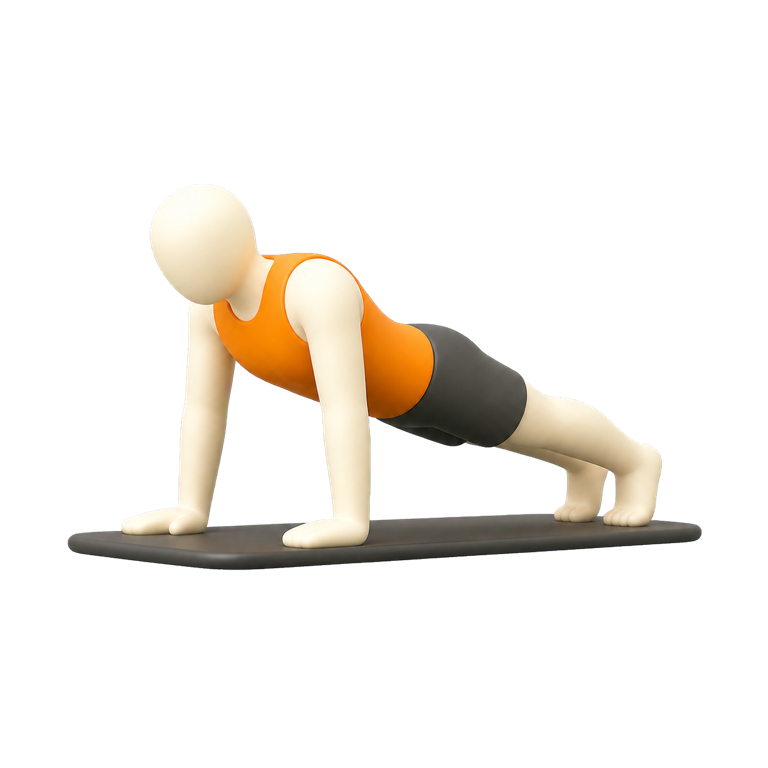

You make that choice before sleep, when it is deliberate. In the morning, VeriWake checks the action required by the selected mission instead of accepting another automatic tap. See the complete catalog of 12 wake-up missions.
03 · Make it your morning
A first action that fits your routine
Your mornings do not all have to look the same. Choose movement for an active start, math for a moment of focus or a photo mission to turn your attention to the world around you.
Keep the plan realistic. Try your mission in advance, leave enough time for it and prepare anything you will need before going to sleep.
04 · Proof, not punishment
Built for heavy sleepers without false promises
VeriWake is designed for people who switch off a normal alarm before fully waking, hit snooze repeatedly or need a deliberate first action before class, work or training. A verified mission can make dismissal more intentional, but no app can guarantee that you will wake up or be on time.
Use an appropriate backup alarm when a missed alarm could cause harm. If waking remains unusually difficult despite adequate sleep, or affects your health and daily life, consider speaking with a qualified healthcare professional. VeriWake is a wake-up tool, not a medical treatment.
05 · Ready for tomorrow
Get started with VeriWake on Android
Download VeriWake on Google Play, create your first alarm and try the mission you selected. Check your phone’s sound and volume before the first morning you plan to use it.
Need help getting started? Visit VeriWake support with your phone model and a description of what you need help with.