01
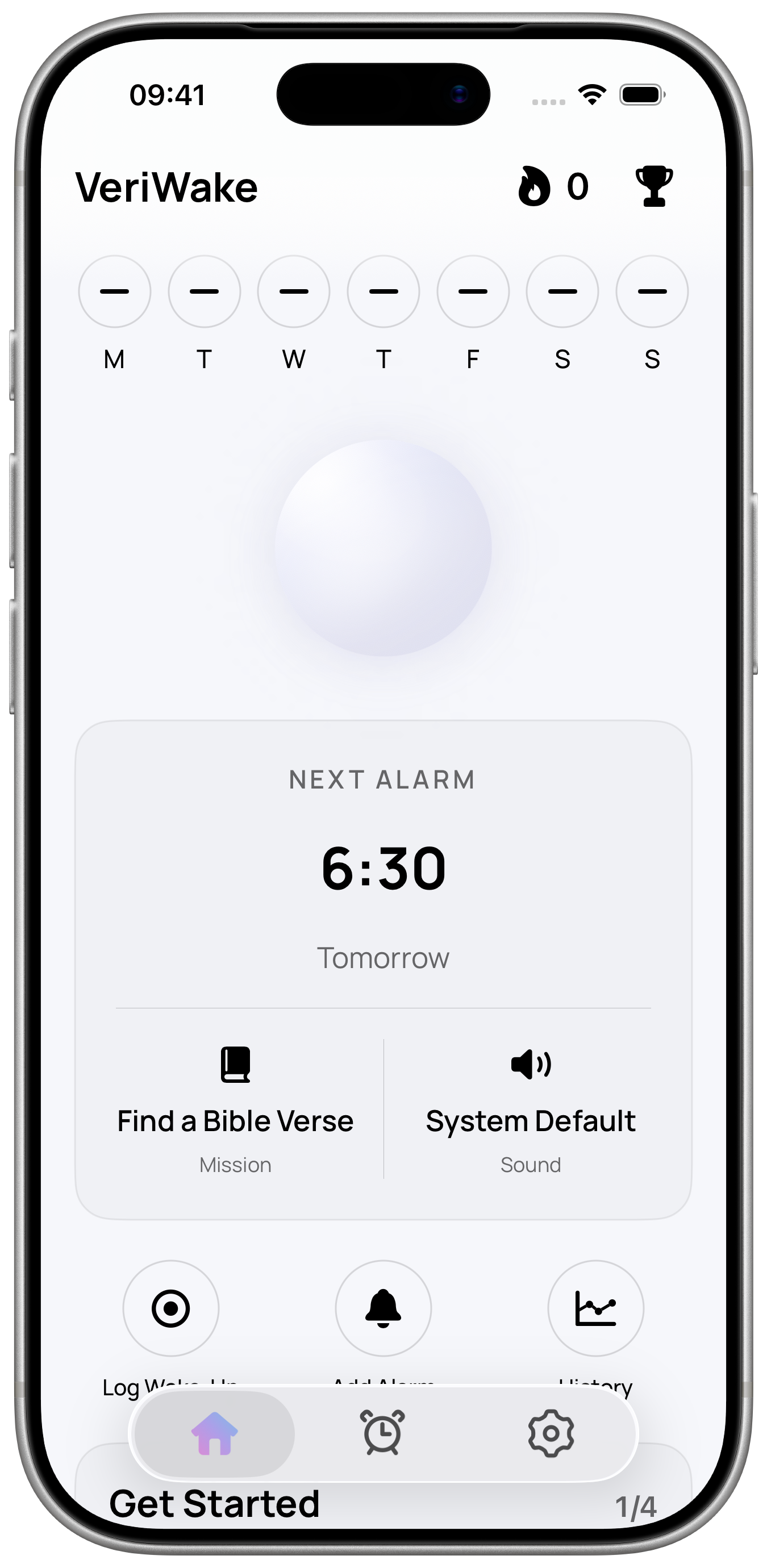
Set your mission alarm
Choose a repeating or one-time alarm, a sound and the challenge most likely to interrupt your snooze reflex.
For heavy sleepers · Available on iPhone and Android
VeriWake is a challenge alarm app for iPhone and Android, made for people who dismiss ordinary alarms on autopilot. Choose a wake-up mission that gives your morning a clear first action.



How the challenge alarm works
Choose the wake-up challenge tonight, before your sleepy brain gets a vote.
Choose a repeating or one-time alarm, a sound and the challenge most likely to interrupt your snooze reflex.
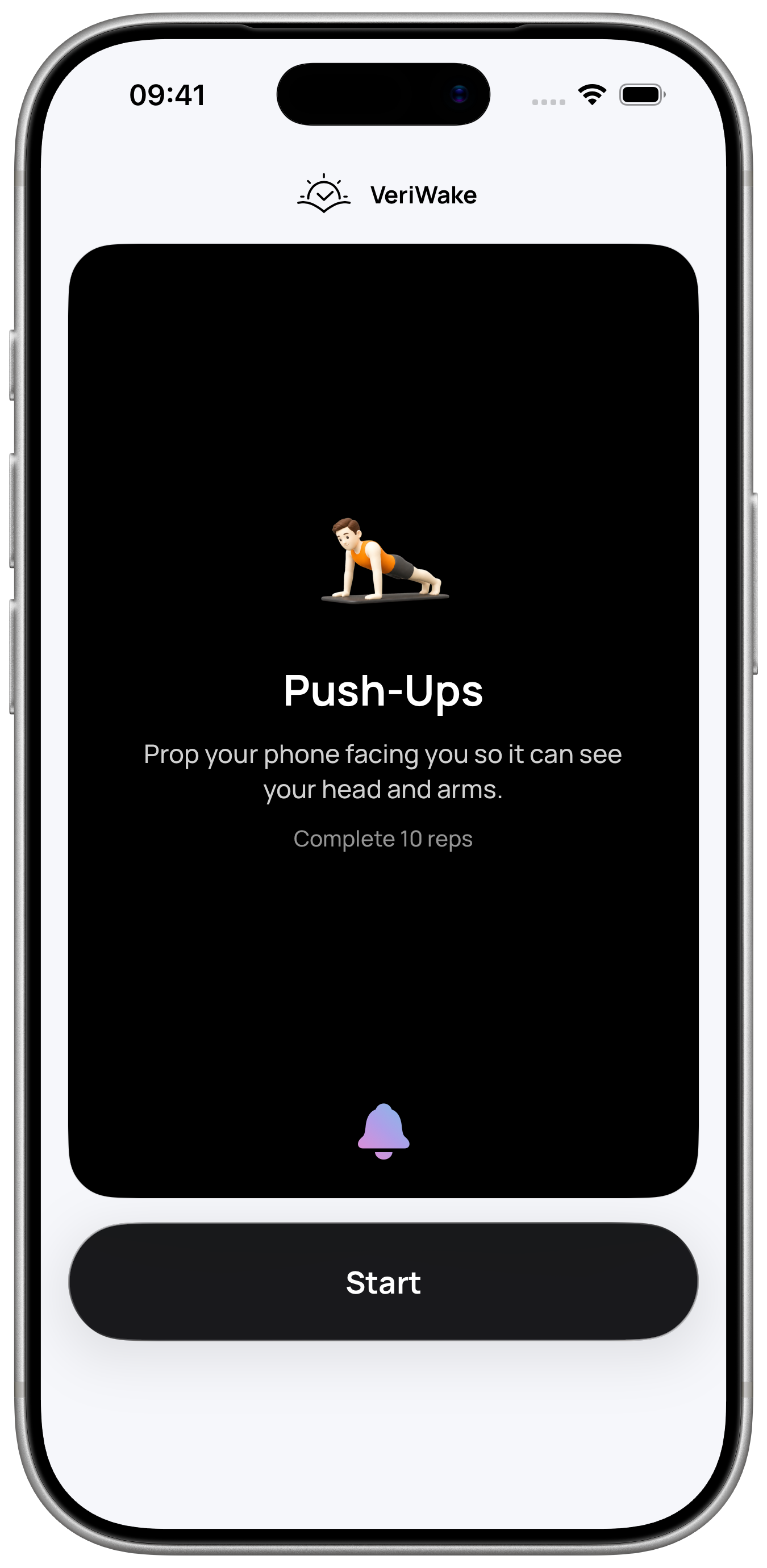
VeriWake connects each alarm to the mission you chose and checks the action required to complete it.
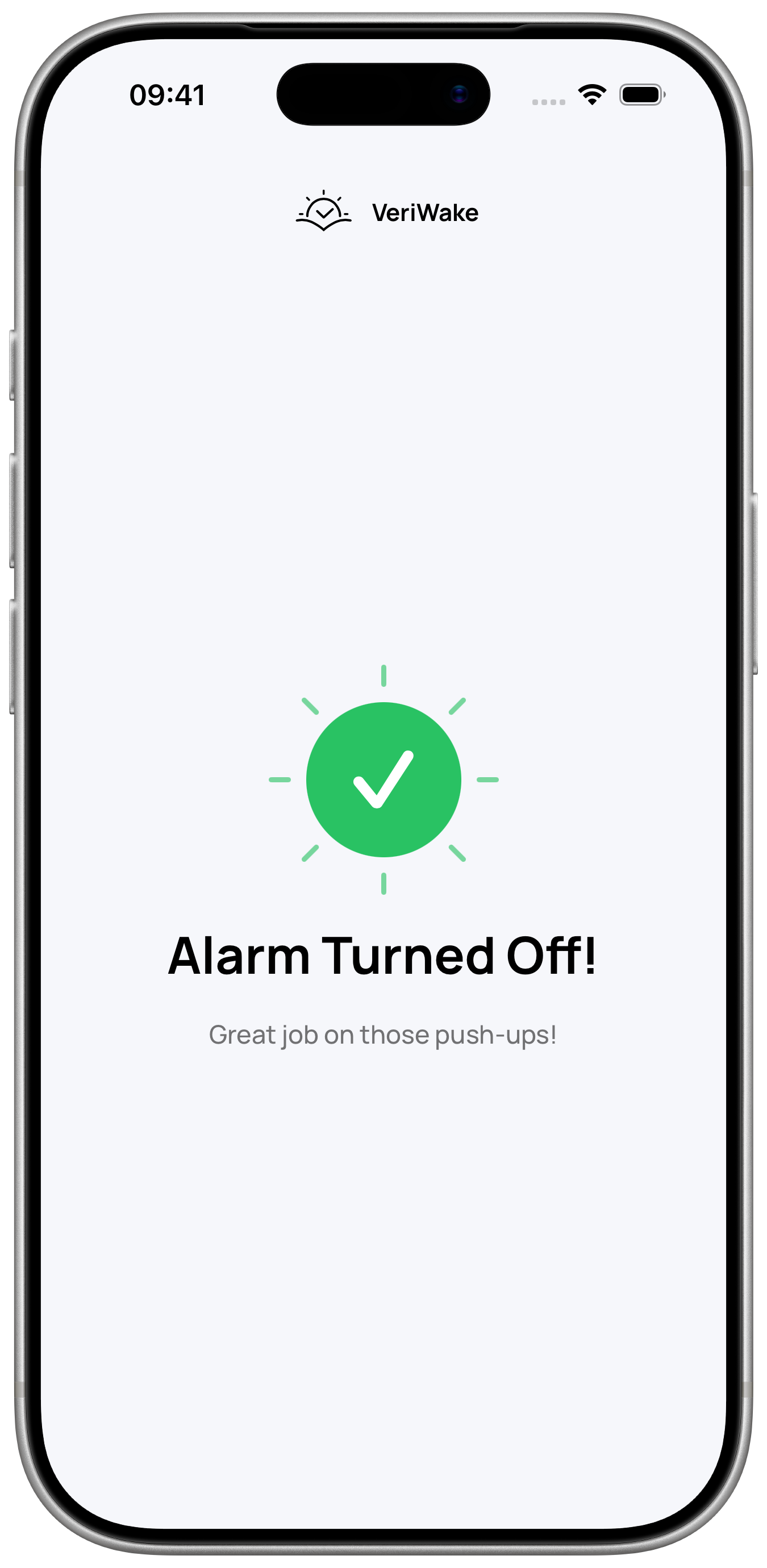
Once the mission is verified, VeriWake ends that session, stops its associated repeat alarms and records the result in your wake-up history. Completing a scheduled mission within your chosen time window also counts toward your streak.
Wake-up missions
Build an exercise alarm with push-ups or squats, a math alarm for focus, or choose photo, object, voice and AR missions that create a clear first action. 8 free missions · 4 with VeriWake Pro
Explore all 12 wake-up missions →
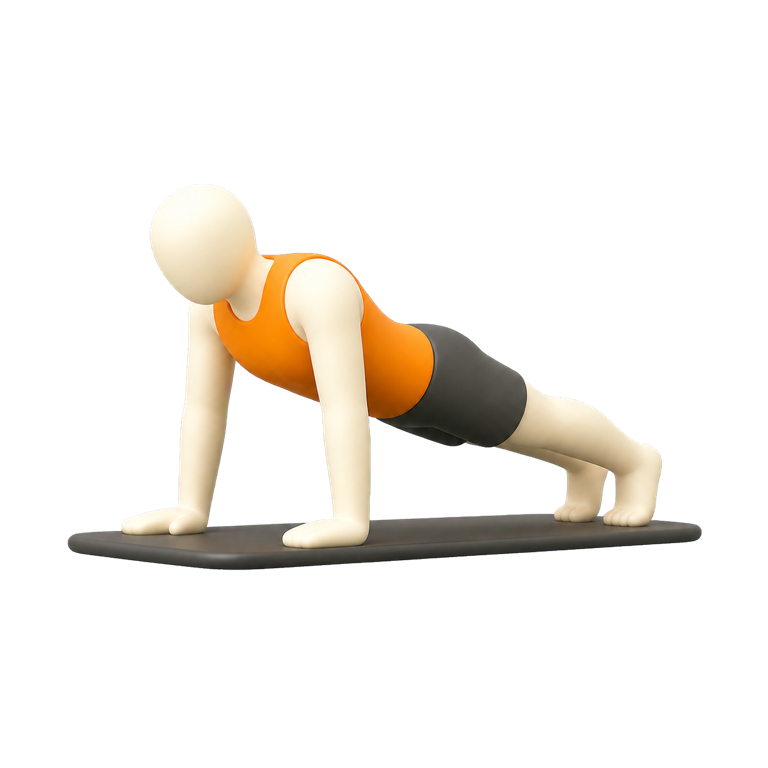 Push-UpsPROCamera-checked repetitions or a timed set
 SquatsPROCamera-checked repetitions or a timed set
 Make the BedMake your bed and photograph it
 Find an ItemPhotograph a random item from your selected set
 Find a Bible VerseFind and photograph the assigned passage
 Photograph the SkyTake a photo with a clear view of the sky
 Solve Math ProblemsPROSolve a short set of math problems
 Say an AffirmationSpeak the phrase clearly
 Read a PrayerRead the prayer aloud
 Touch GrassPhotograph grass or natural ground outdoors
 Wake PosePROMatch a body pose on camera
 Catch the SunriseFind an AR target in your room
Built for heavy sleepers
VeriWake adds useful friction after the alarm: a mission to complete, a result to verify and a morning history you can actually review.
VeriWake checks the movement, photo, printed text, math answer, speech or AR interaction required by your mission. Camera analysis and temporary mission media stay on the device.
See verified, manual and missed mornings instead of guessing how your routine is going.
Choose your alarm time, repeat schedule and wake-up mission before bed, then adjust them to fit your routine.
8 free missions · 4 with VeriWake Pro
Alarms, all alarm sounds, schedules, settings, wake-up history and 8 missions are free. You can finish setup and use VeriWake without a subscription.
Get VeriWakeVeriWake Pro unlocks 4 missions: Push-Ups, Squats, Solve Math Problems and Wake Pose. Choose a weekly or yearly subscription; both include the same Pro missions.
Reference prices in US dollars: US$0.99 per week or US$19.99 per year. Local prices, currency and eligible offers may vary by store and region. The final price appears in the app before purchase.
Questions, answered
How a mission alarm works, why it suits difficult mornings, what gets checked and what stays private.
Instead of treating a sleepy tap as a successful morning, VeriWake links each alarm to a mission selected before bed. Complete the required check to finish that alarm session.
VeriWake is designed for people who turn off ordinary alarms on autopilot, hit snooze repeatedly or need a deliberate first action. It can make dismissal more intentional, but no alarm app can guarantee that you will wake up or replace enough sleep.
VeriWake includes 12 missions across movement, math, camera, object finding, speech, reading and AR. Explore the complete wake-up mission catalog to compare what each challenge asks you to do. 8 free missions · 4 with VeriWake Pro
No. Mission photos and camera frames are processed on your device. Temporary media and Screen Time selections are not synchronized to the VeriWake backend.
Yes. VeriWake is available for iPhone and Android, with the same 12 wake-up missions. Read about VeriWake for iPhone or VeriWake for Android for platform details.
Yes. Sign-in and a subscription are optional. Alarms and app data are saved on your device. Cloud synchronization and recovery require signing in to your VeriWake account. System alarm registrations, permissions and temporary mission data stay specific to each device.
Available on iPhone and Android
Choose VeriWake for iPhone or VeriWake for Android and make a wake-up mission part of your morning.